Step 1 · Hook
Run your landscape business from one place.
OSL agents run the business from this one app: the day, the week, cash, the work you win, the garden, and the public site.
Effortless convenience. One login, and every person's job is simpler from day one. Total end-to-end integration. One shared source of truth, so every workflow talks to every other workflow and nobody re-keys a record into a second system. Practical, role-specific AI. The foreman and the owner see the crew day, the job, and the invoice as one record. The person stays in control. Run your landscape business from one place. OSL agents run the business — the day, the week, cash, and the work you win.
Step 1 · Hook
OSL agents run the business from this one app: the day, the week, cash, the work you win, the garden, and the public site.
Step 2 · Owner day
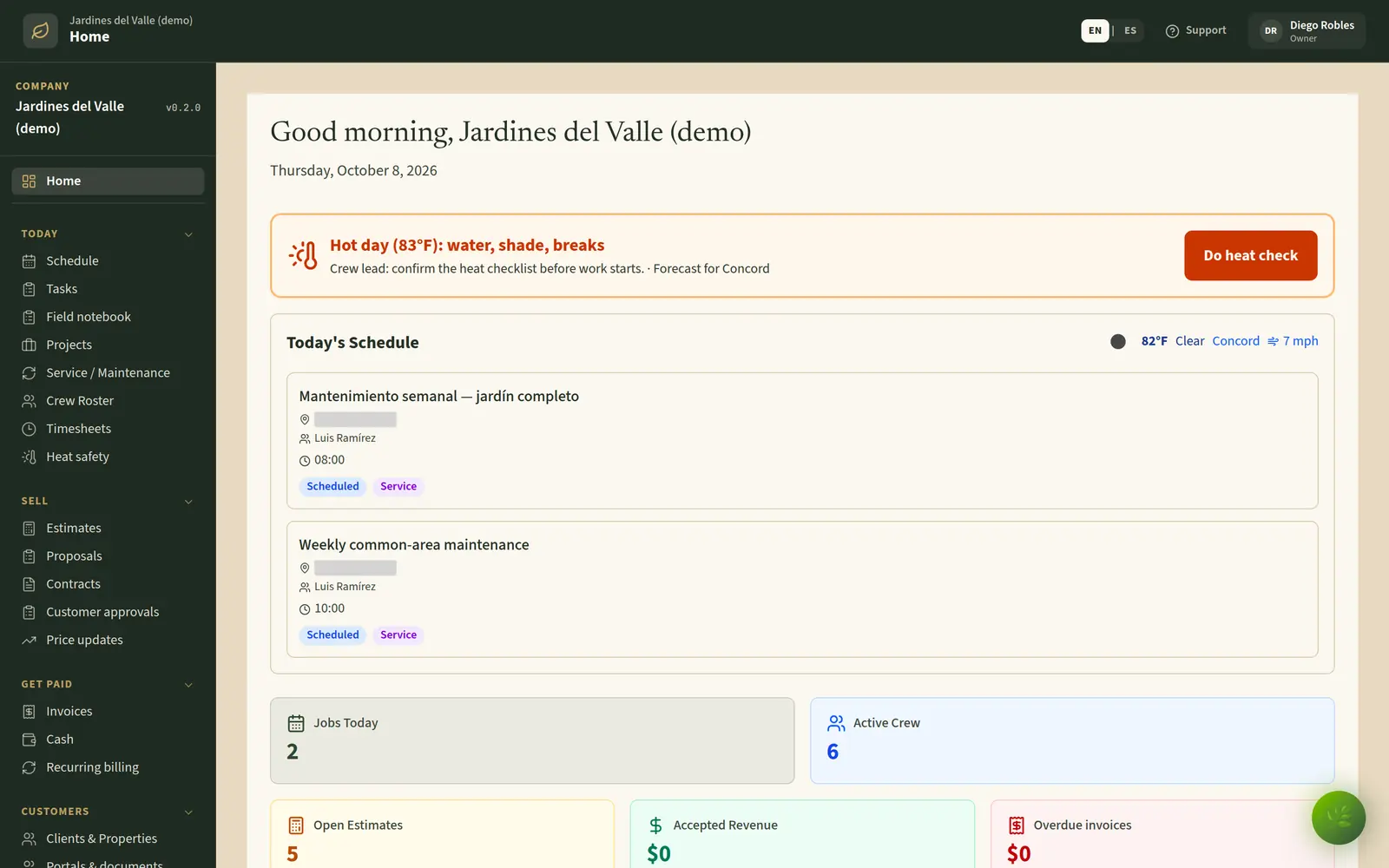
A morning briefing, today's jobs, the weather, and a heat-safety alert — the day, before the crew rolls.
Step 3 · Run the week
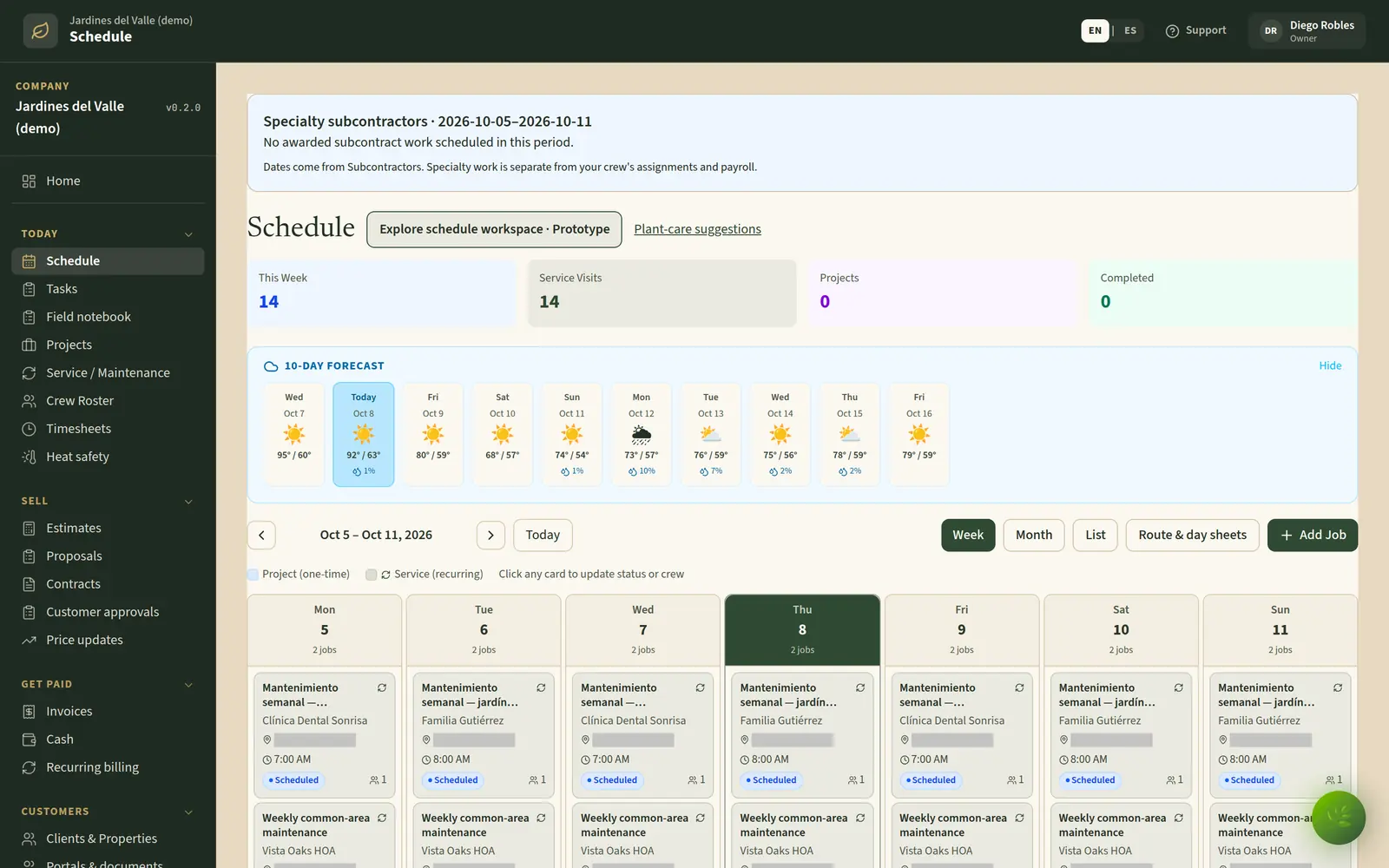
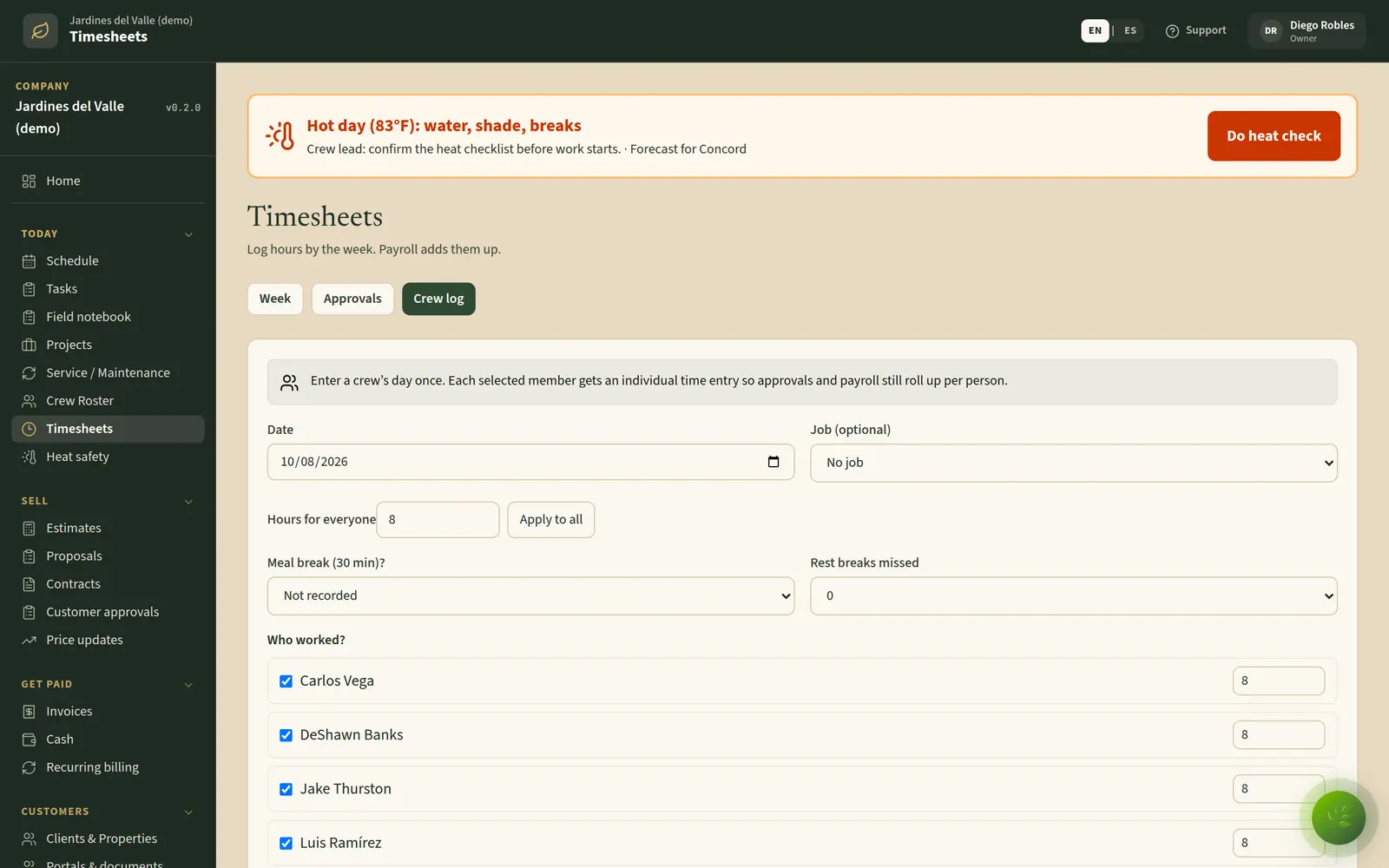
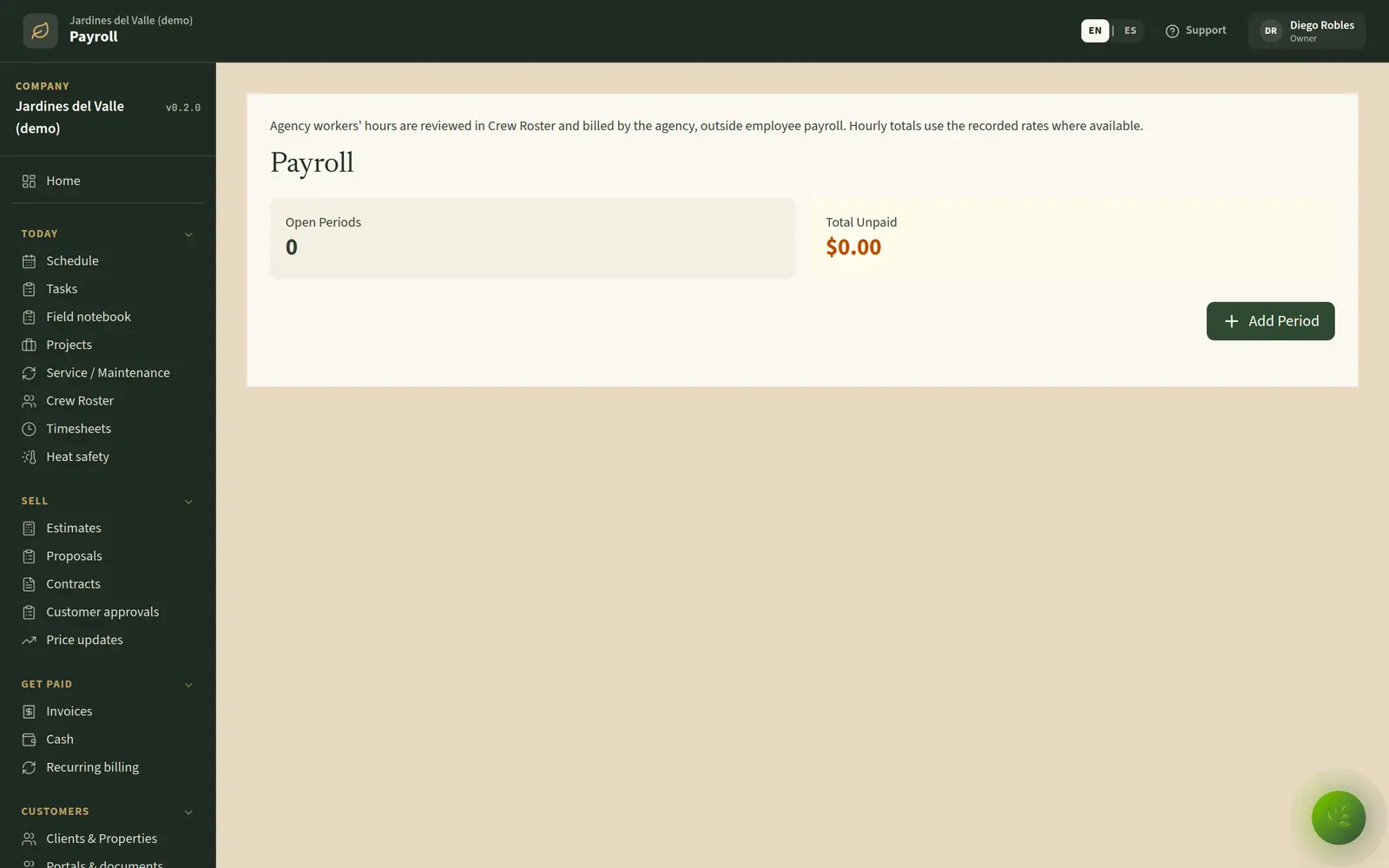
The week on the schedule, then the timesheet. The crew log is one day for the whole crew, with a meal break and rest breaks on the sheet. Payroll rolls up from that log.
Step 4 · Cash
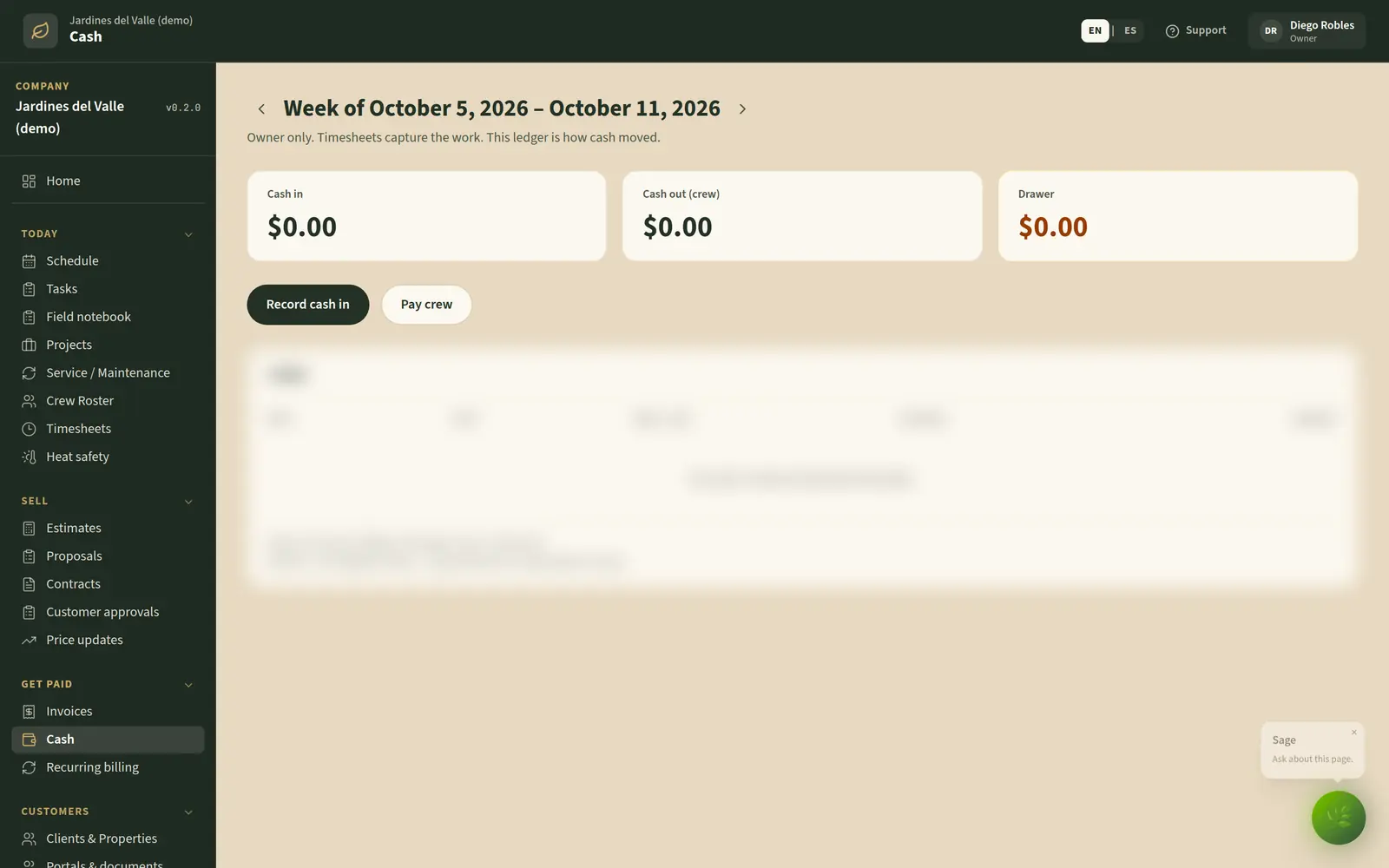
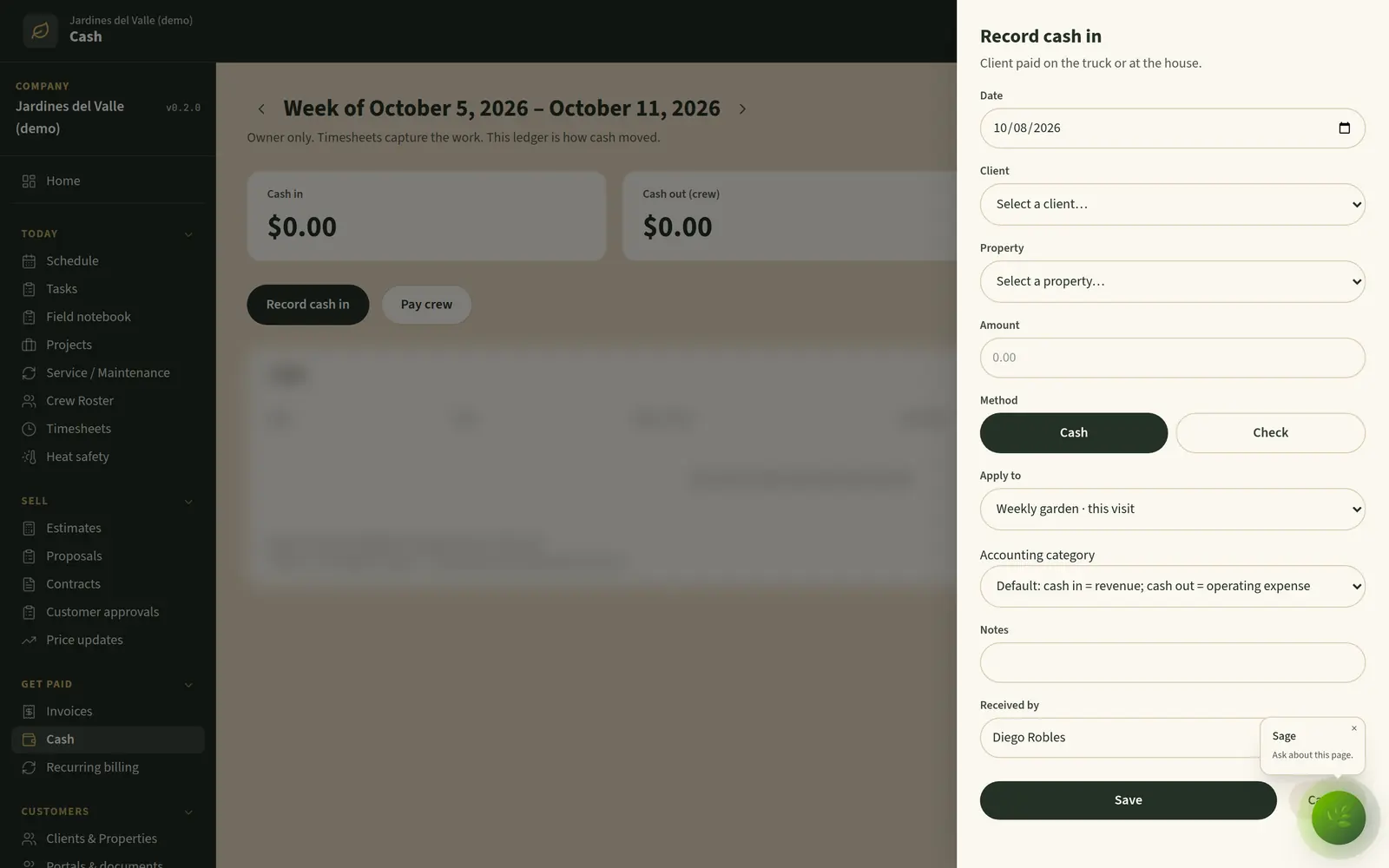
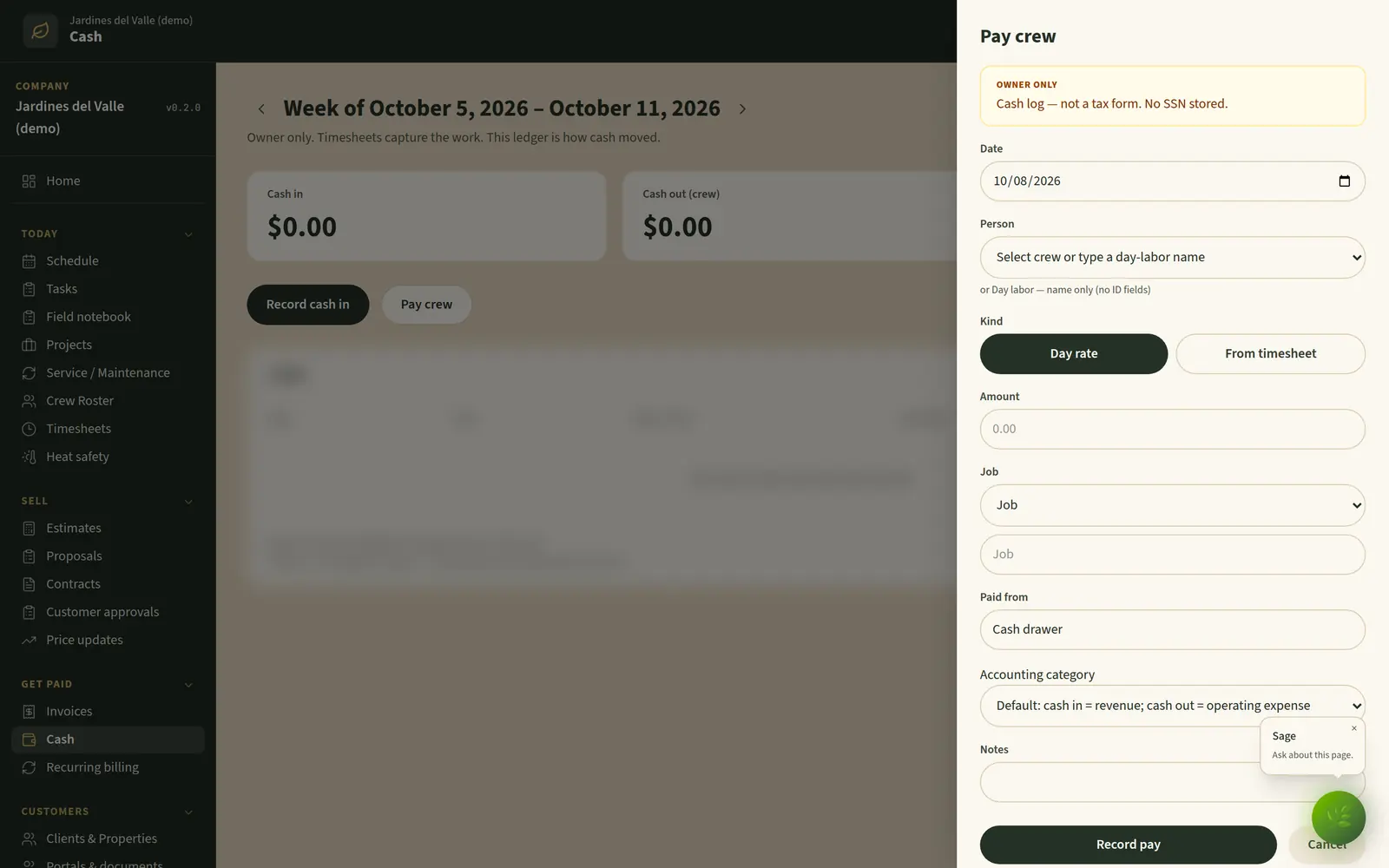
The cash ledger, then a cash or check coming in, then pay for the crew. Nothing in these shots was saved.
Step 5 · Win and bill
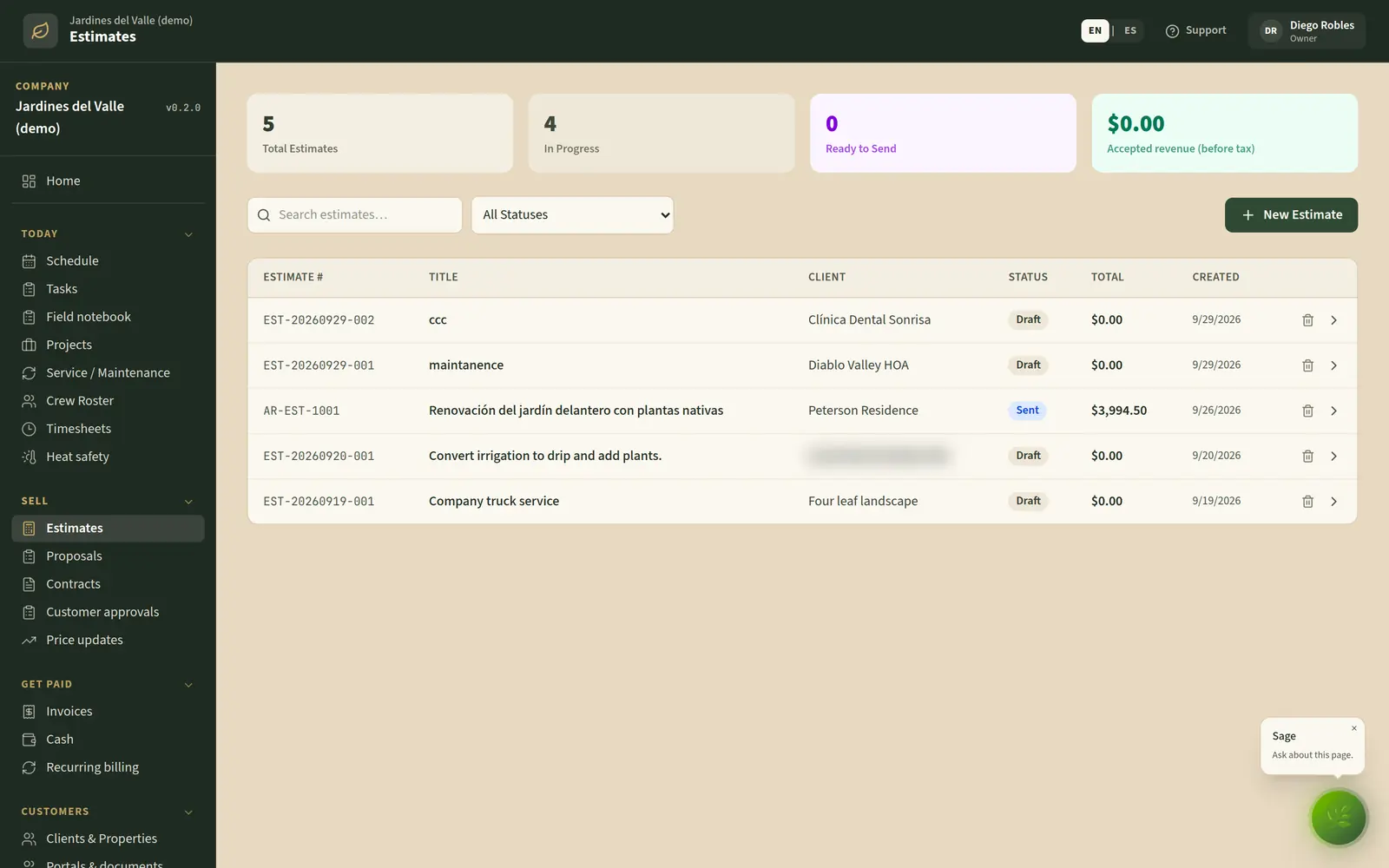
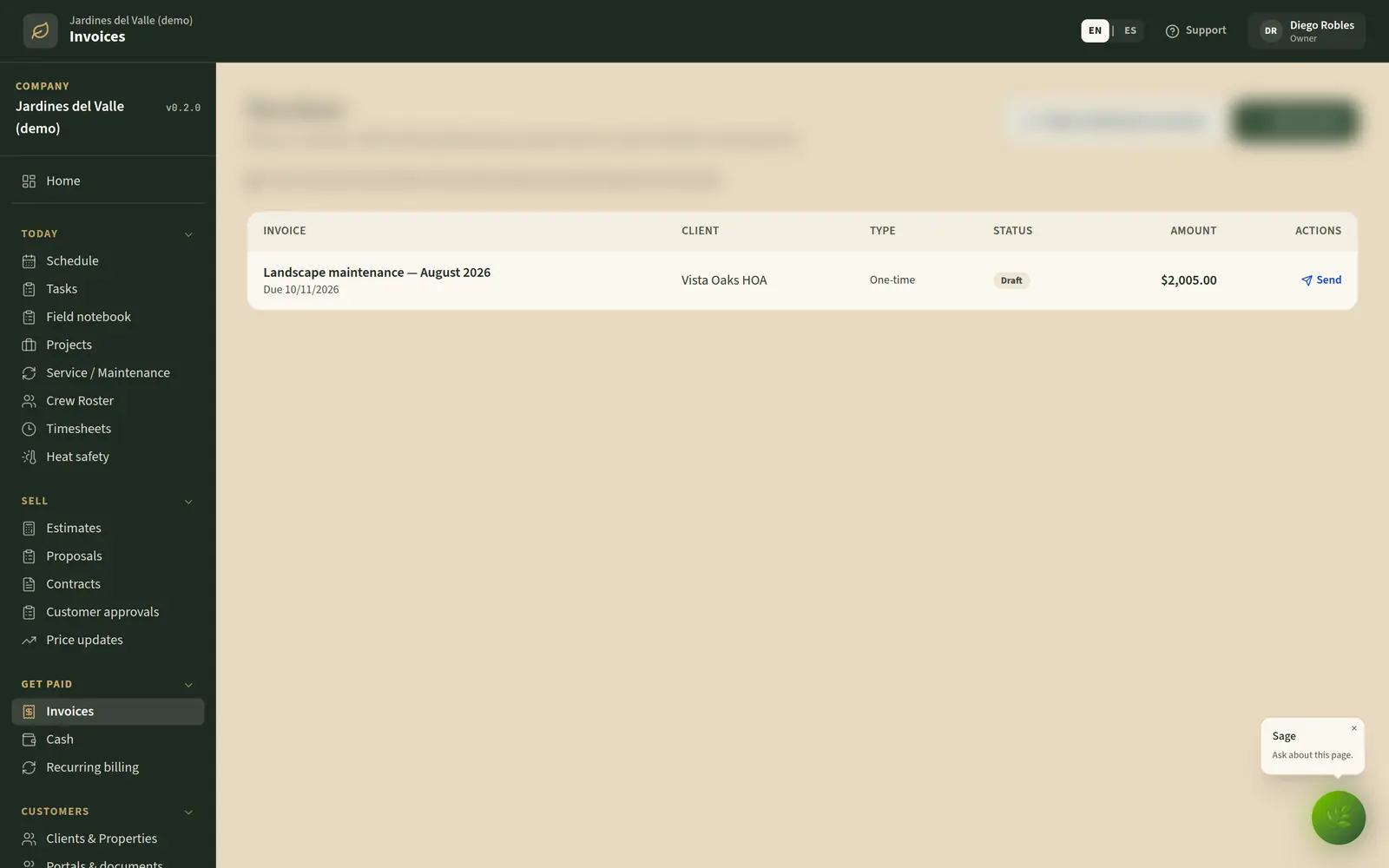
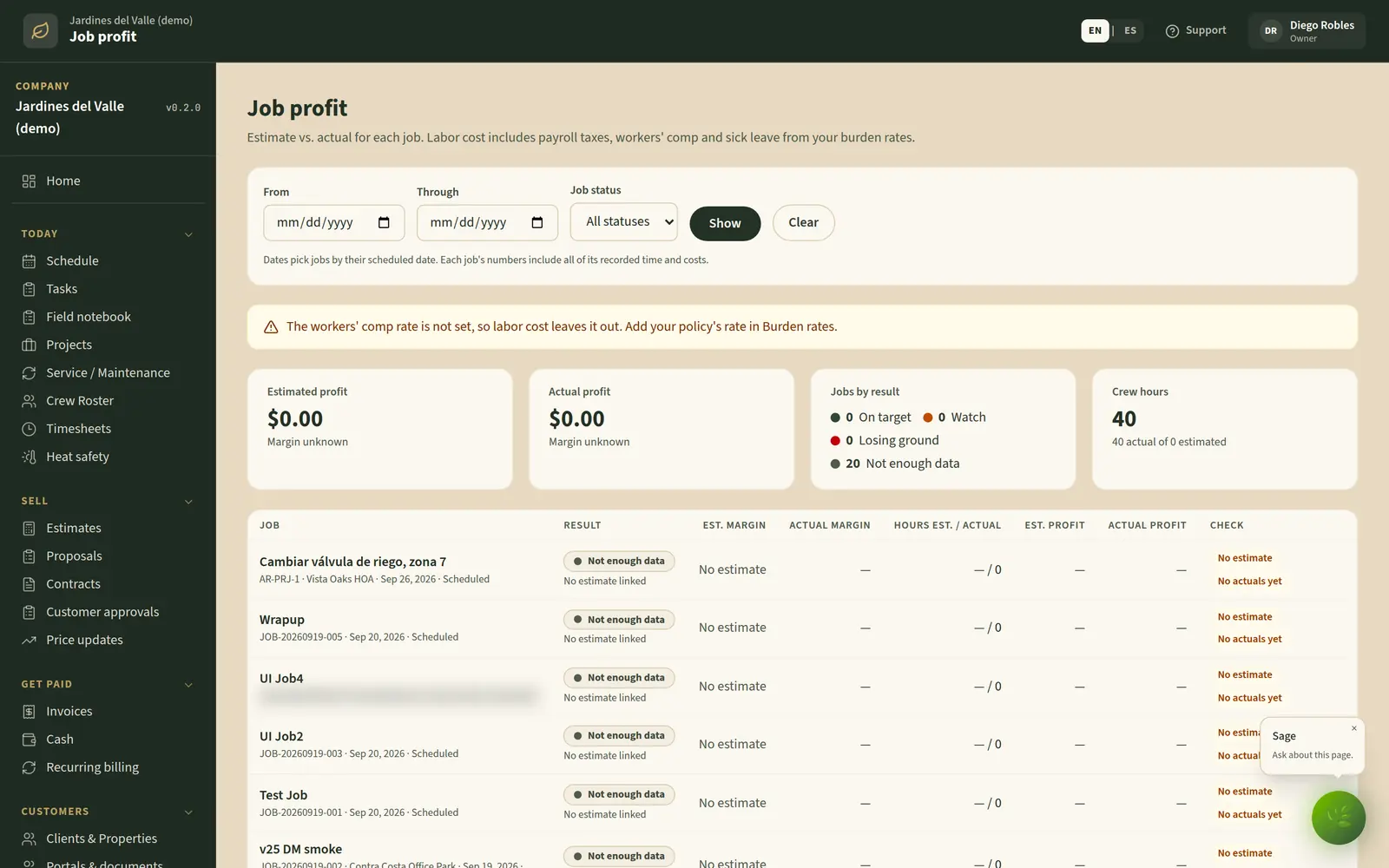
An estimate, then an invoice, then job profit — the estimate beside the actual.
Step 6 · Design
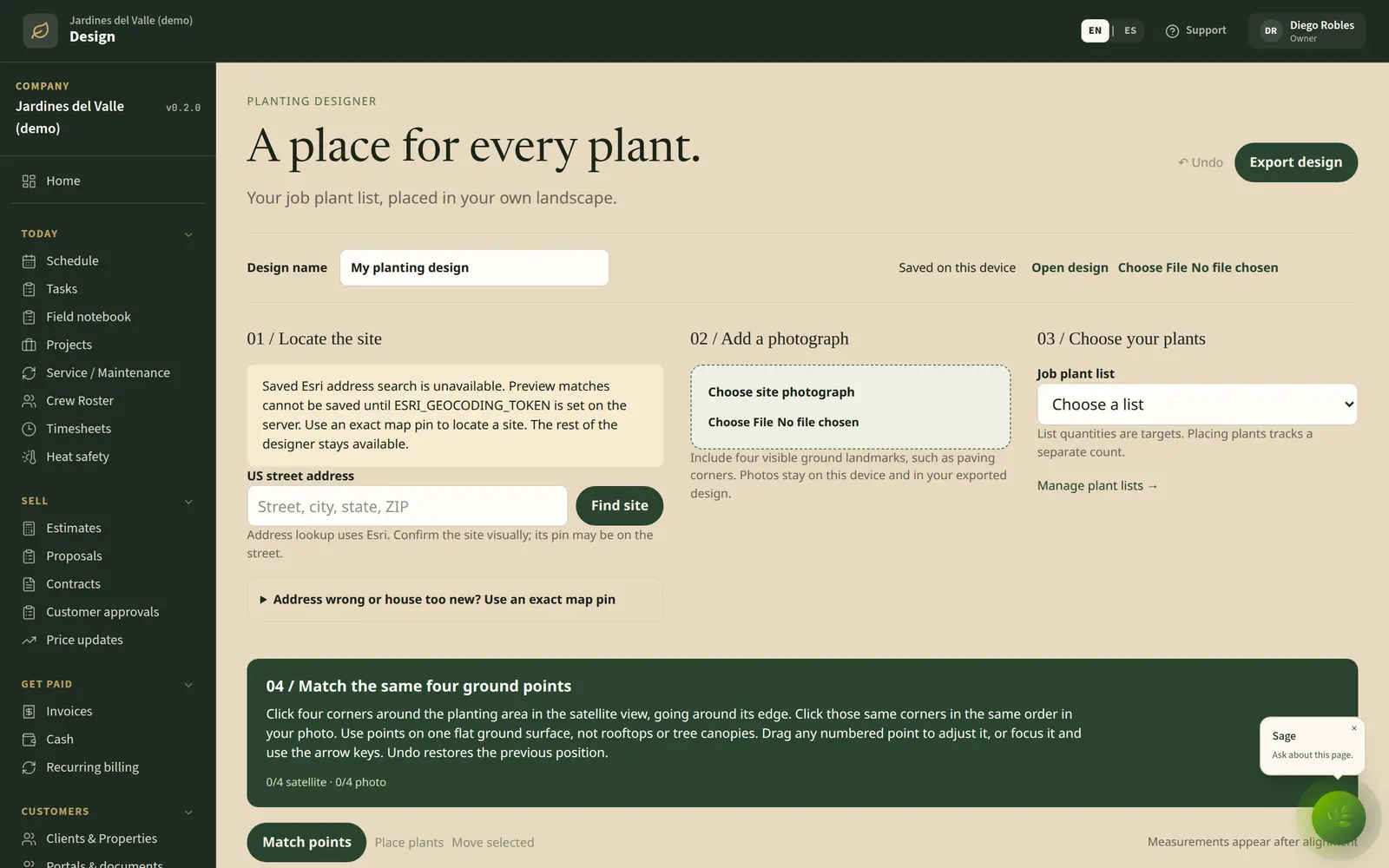
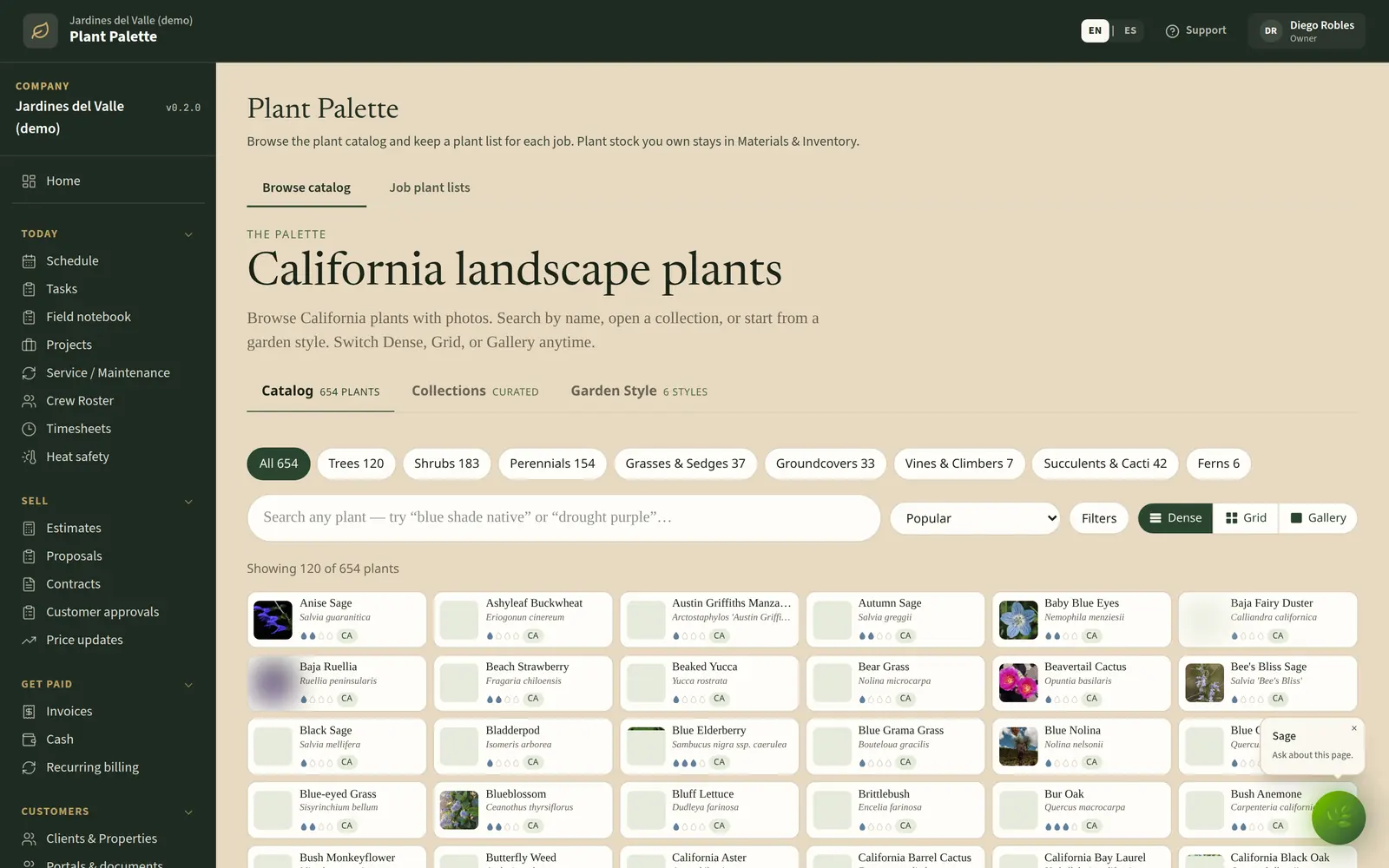
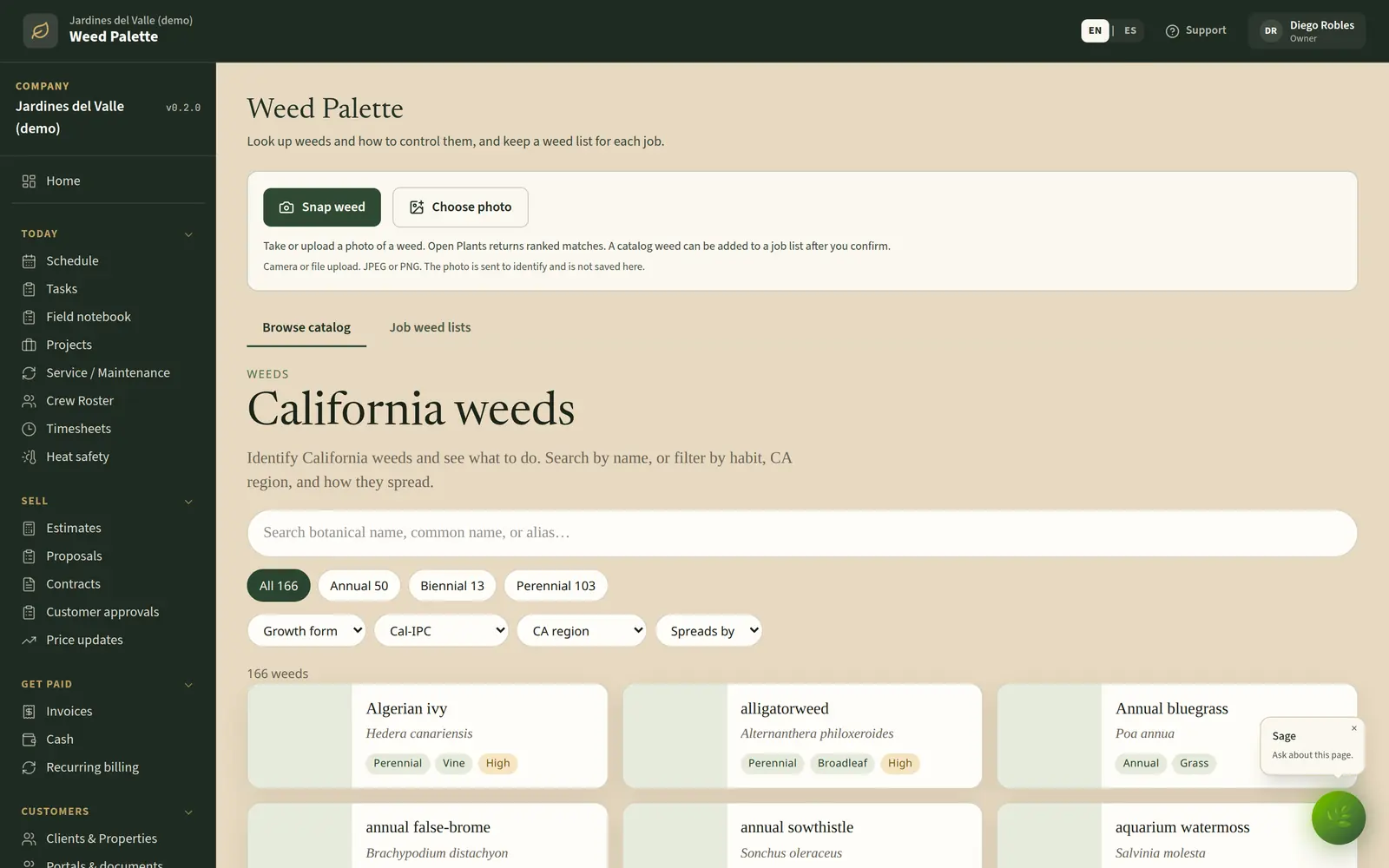
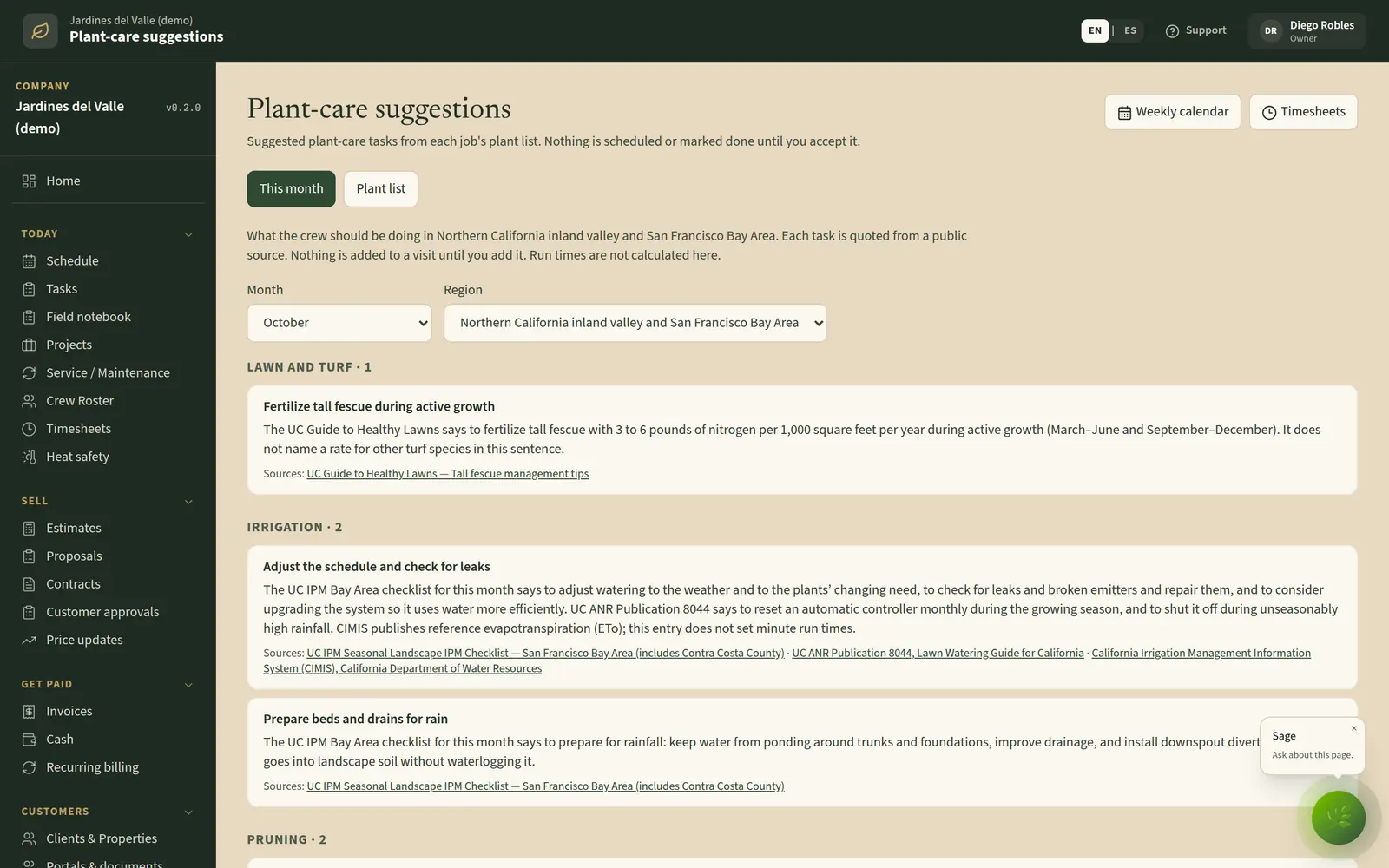
A planting designer, the plant palette, the weed palette with a photo identify control, and plant-care suggestions. A weed photo is not saved by opening the camera.
Step 7 · Sage
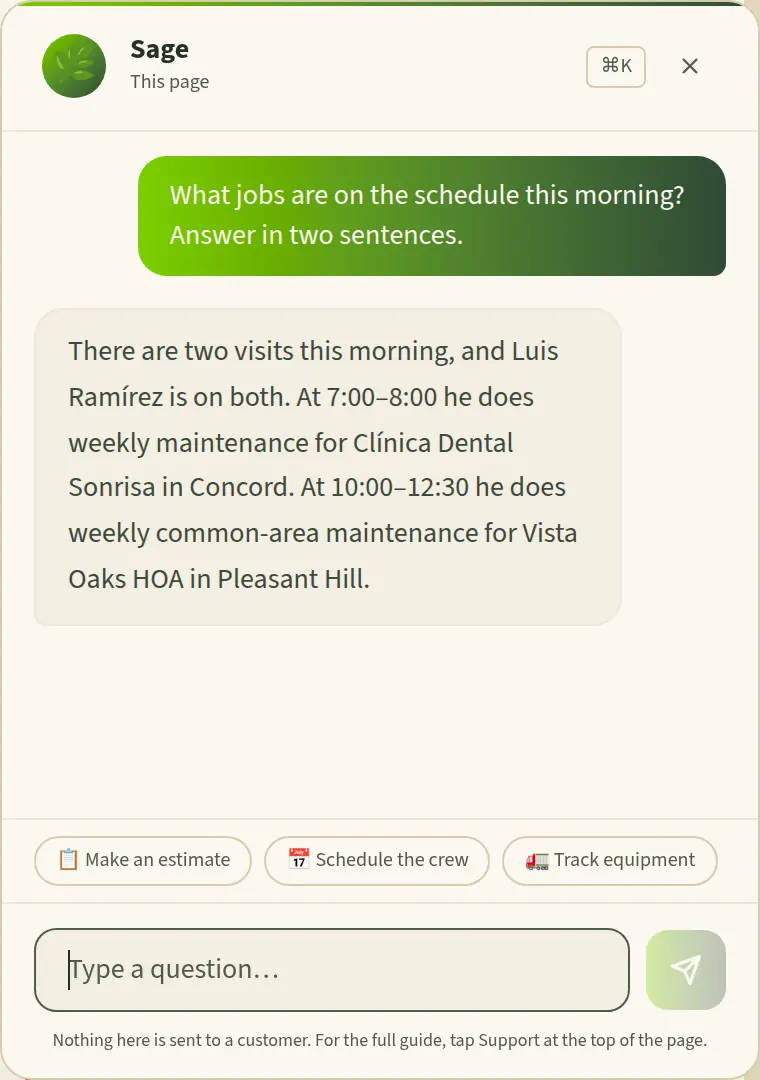
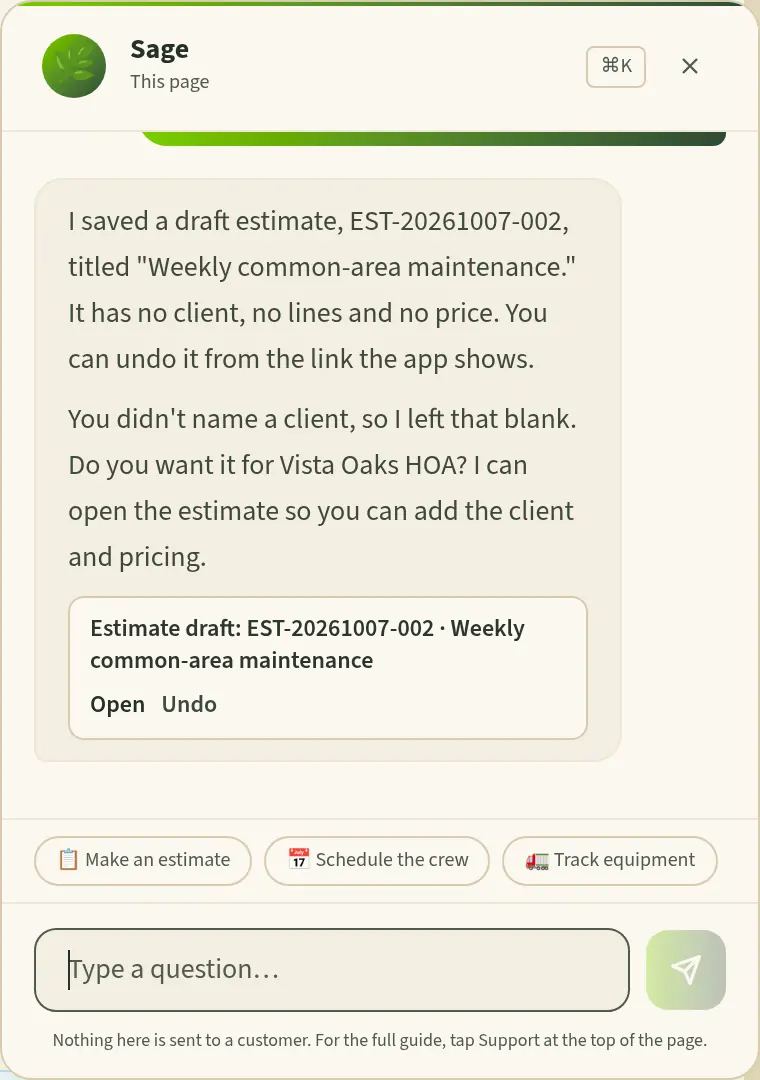
Sage is OSL's in-app assistant. It answers from the page in front of you, and it can draft an estimate you can undo. Nothing here is sent to a customer.
Step 8 · Public website
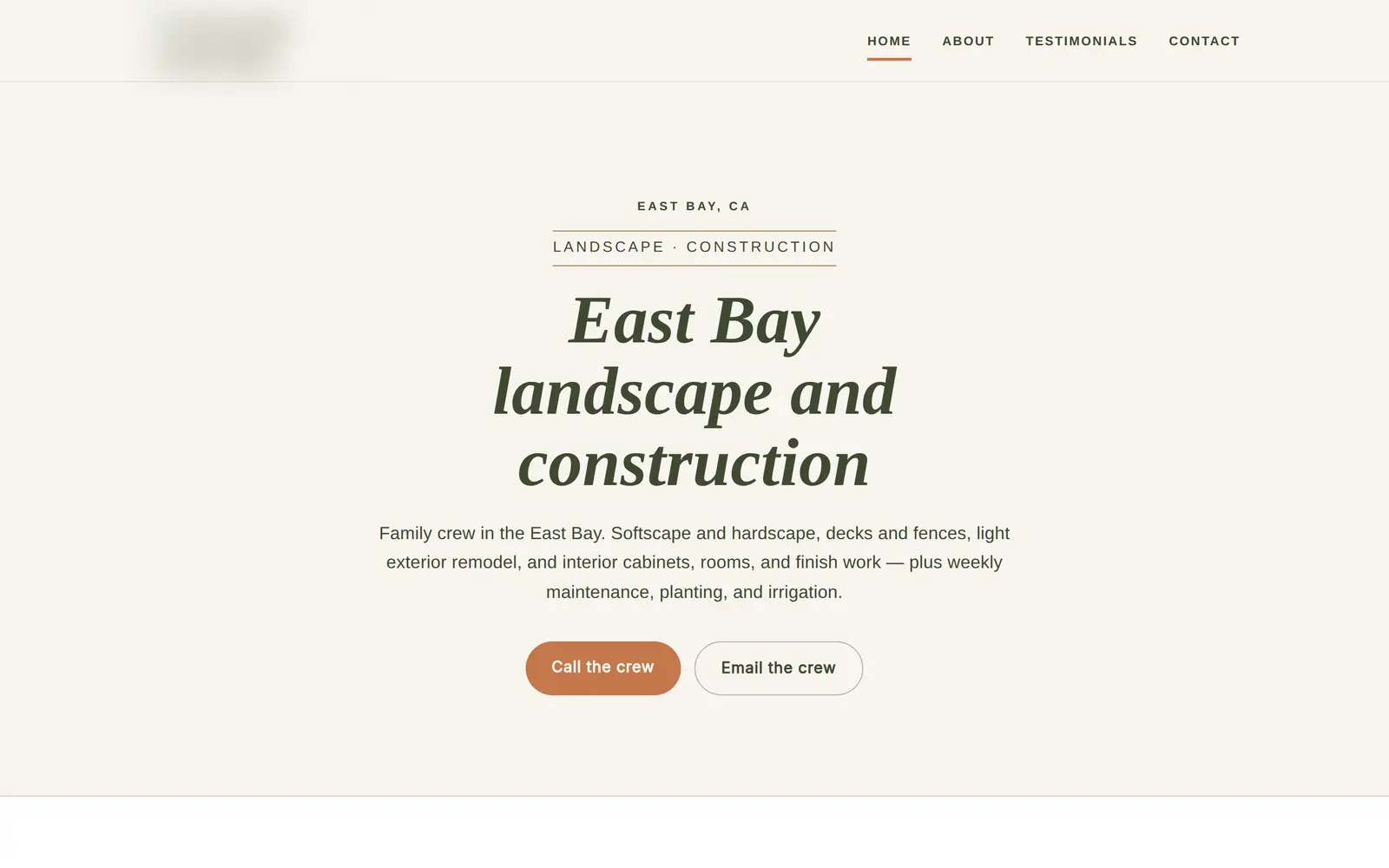
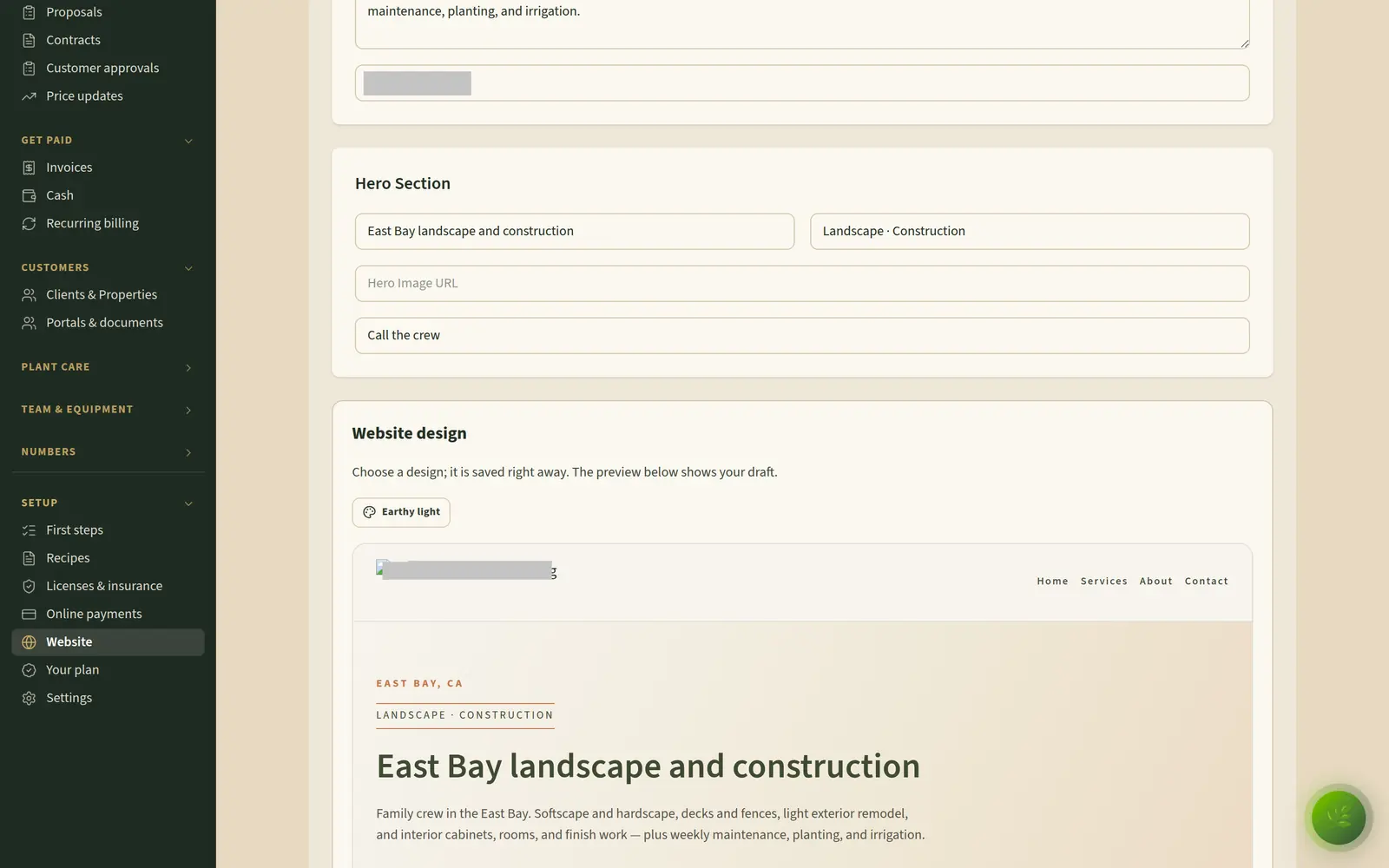
A themed preview of the company's public site, and the website design control that sets the color theme. The theme was not changed.
Step 9 · Demo
Email Dale to walk Open Landscape Business against your own week. A live demo is still on the way.
Click a screen to enlarge it. Arrow keys move between steps. The step list on the side jumps ahead.
Built from scratch for mobile crews, GPS routing, Spanish/English field voice, and real-time job costing—replacing legacy Windows desktop estimating/dispatch software and disconnected accounting syncs.
Legacy landscape contractor software (LMN, Aspire legacy modules, HindSite, CLIP) grew out of Windows desktop estimating sheets and office dispatch boards bolted onto external accounting connectors.
Built from scratch on a sound, state-of-the-art technical architecture uniting route scheduling, Spanish/English crew logs, planting design, estimates, cash, payroll, and job profit on one record.
$24,100 to $58,000 a year against the illustrative Open Landscape Business price. The books area is still outside this tour. The comparison below is the executive model for the full stack, including the ledger you run in parallel for 60 days before you cancel anything.
Disruptor Annual Charge ($/Year) · 100% QuickBooks Replacement (@openscaffold/books v3.1)
Open Landscape Business (OLB): $199/yr (Owner-Operator 1–2 Crews Annual) · $399/yr (Growth 3–8 Crews Annual) · $799/yr (Multi-Branch Commercial Annual)
Replaces Legacy Annual Stack: $24,100–$58,000/yr Aspire/LMN/Jobber + QuickBooks + Gusto + CompanyCam · Includes Reconciliation Check + Partial-Use Trial ($0.00 variance check before canceling legacy software) & Founding 10 Charter Program (90 Days Free + 50% Lifetime Rate Lock).
4th Pillar Included at $0 Extra · @openscaffold/website v2.0 (Website Studio)
Eliminates $1,800–$7,200/yr in Legacy Website, Widget & Web-Agency Spend: Replaces Squarespace/Webflow/WordPress, project portfolio galleries, lead-capture quote widgets, and local SEO agency retainers.
Includes 60-Second Legacy URL Rescue (siteImporter.js), Live Operational Database Sync (before/after project portfolio galleries synced from completed jobs, seasonal maintenance packages, and instant property-address estimate requests), Auto-Generated Schema.org JSON-LD & /llms.txt AI Search Optimization, and Managed Custom-Domain Edge SSL at $0 extra annual cost.
Stage 1 · Migration & Reconciliation Check (about 1–2 weeks): you keep working in the system you already pay for. We bring over your chart of accounts, customers and vendors, open receivables and payables, and deposits, and we tie the opening trial balance to $0.00 difference and match your books to your bank and card feeds to the penny. You also get a "What We Found" report covering items like unbilled reimbursables, missing W-9s, and deposits that never matched. This stage proves your data is right. It does not yet prove the app runs your business better. Stage 2 · Partial-Use Trial (you pick the slice, typically 30–60 days): run one location, provider, crew or billing month in our app while your old system stays on as a safety net, and your accountant's QuickBooks stays whole through our outbound mirror. We measure it on time saved, invoices out faster, collections and leakage recovered, with the books still at $0.00 variance. Walk away anytime with full exports.
The first 10 landscape companies get 90 days free and a 50% lifetime lock, in exchange for publishing the verified invoice comparison.
Email dale@openscaffoldlabs.com to start the reconciliation check.
Outside the tour. Named so the map is complete.
Outside the tour
Coming soonA books area for the business.
Pick the app and the way you want to start. Launch the live web app now, or send Dale a workspace provisioning summary. @openscaffold/licensing is how a cloud workspace is opened.